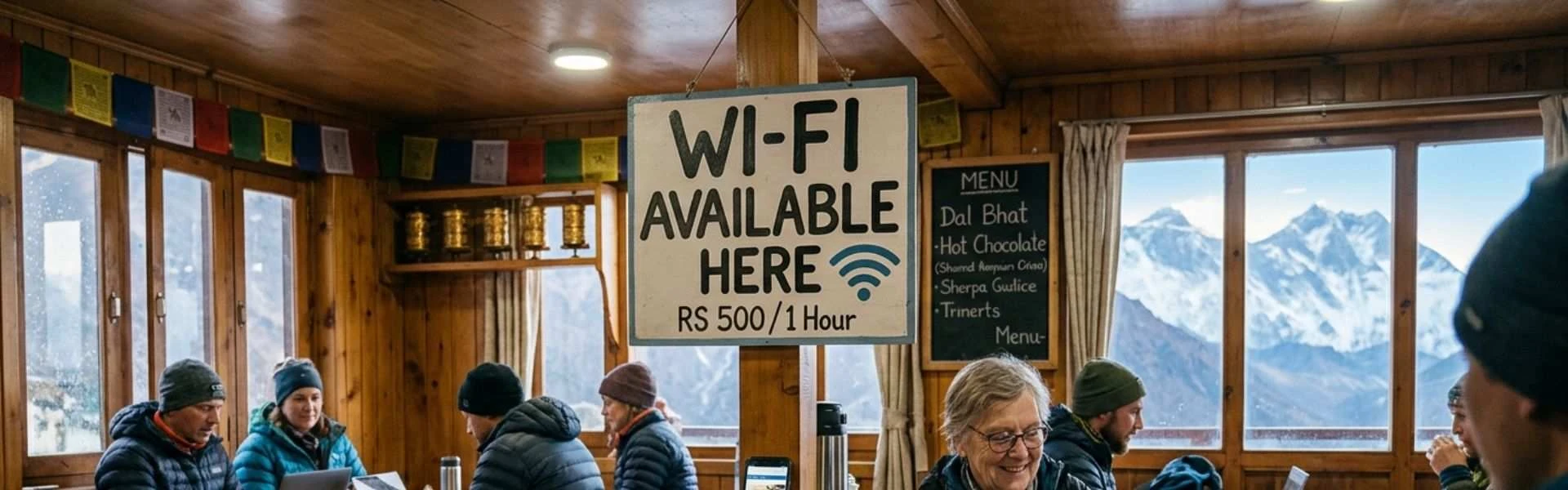
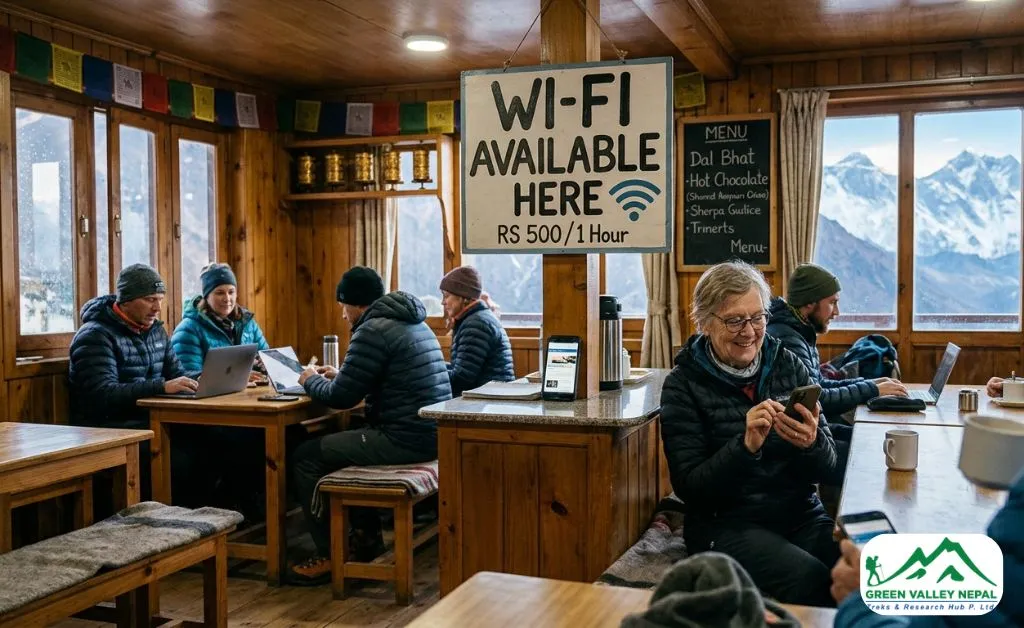
How Good Is Internet Access on the ABC Trek?
Before anything else, let us be clear about one thing. The internet on the ABC trek is not like what you have at home or even in Pokhara. It works, but it is slow, sometimes cuts out, and gets worse the higher you go. Most trekkers are fine with that once they understand what is available and where.
The good news is that connectivity has improved a lot over the past few years. Most teahouses and lodges along the ABC trek route now offer Wi-Fi. Many villages have decent mobile signal, especially in the lower elevations. So staying in touch with family, sending a message, or checking the weather forecast is very much possible on most days of the trek.
What you cannot expect is smooth video calls, fast downloads, or reliable streaming. The internet here is built for basic use: messages, emails, and light browsing. Anything more than that, and you will run into trouble, especially above Chhomrong.
Also worth knowing: the internet in teahouses often depends on electricity. If there is a power outage, which does happen, especially during bad weather in the ABC trek, the Wi-Fi goes down with it. This is not something any provider can fix. It is just the reality of trekking in a remote Himalayan region.
Wi-Fi at Teahouses during ABC Trek
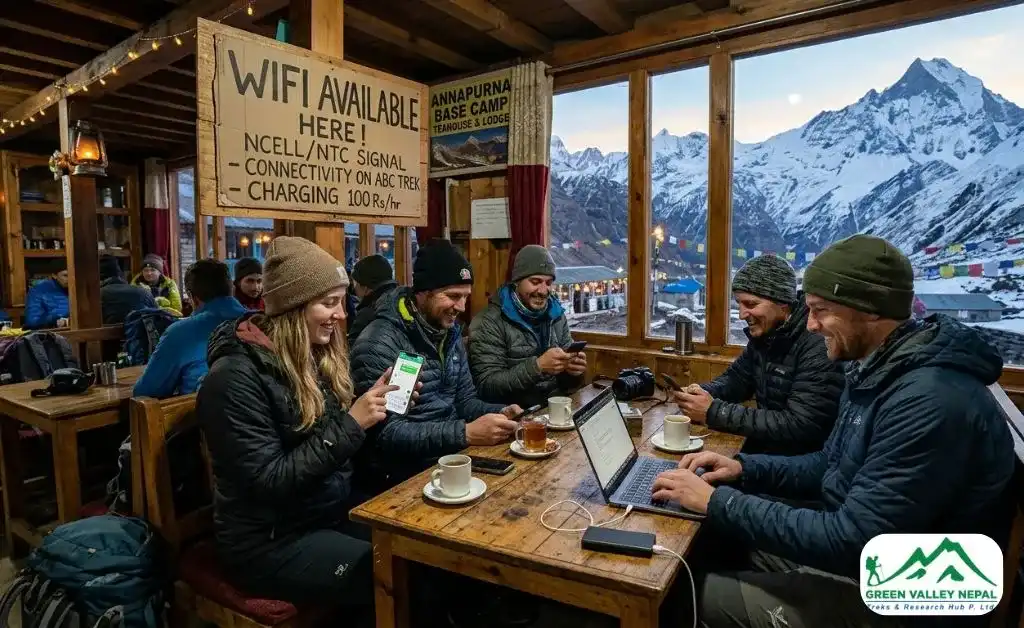
Most teahouses and lodges along the Annapurna Base Camp trail offer Wi-Fi. Some include it for free with your stay, but most charge a small fee, usually around $1 to $5 per session or per hour, depending on the location and altitude. At higher stops, both the price and the wait time for a working connection tend to go up. Read our blog: ABC Trek Cost to know the detailed cost breakdown of the Annapurna Base Camp Trek.
Here is a realistic look at what connectivity is like at the main stops:
- Nayapul / Birethanti (1,070m): Good connectivity. Both NTC and Ncell networks are strong here. Teahouse Wi-Fi is available and works well for most tasks.
- Tikhedhunga / Ulleri (1,480m – 1,960m): Decent signal. Teahouse Wi-Fi available. You can send messages and browse without much trouble.
- Ghorepani (2,860m): One of the better-connected stops on the route. Wi-Fi is available at most lodges and works reasonably well. Good place to send longer updates home before heading higher.
- Tadapani (2,610m): Moderate connectivity. Wi-Fi is available in most lodges. Signal is manageable, but it can get slow in the evenings when everyone is online at once.
- Chhomrong (2,170m): Solid Wi-Fi coverage and one of the last reliable spots for both Wi-Fi and mobile data. If you want to make a video call or upload photos before heading into higher terrain, do it here.
- Sinuwa / Bamboo / Dovan (1,900m – 2,600m): Signal starts getting patchy here. Wi-Fi is available in some teahouses, but do not count on it being fast or stable.
- Himalaya Hotel / Deurali (2,920m – 3,230m): Connectivity becomes noticeably weaker. Some teahouses have Wi-Fi, but it is slow. NTC provides some signal, but Ncell becomes unreliable.
- Machhapuchhre Base Camp / MBC (3,700m): Very limited. You may get an occasional signal in open areas, but it is not something to depend on. Some teahouses have Wi-Fi with a fee, but the speeds are very slow.
- Annapurna Base Camp / ABC (4,130m): Limited connectivity. Some teahouses offer Wi-Fi, but it is the most unreliable of the entire route. You may be able to send a text message or a quick photo, but do not expect anything more. Ncell generally does not work here. NTC sometimes provides a faint signal depending on weather conditions.
Note: The lower you are, the better your internet. Plan your important communications and uploads for the lower and mid-altitude stops.
Which SIM Card Is Best for the Annapurna Base Camp Trek?
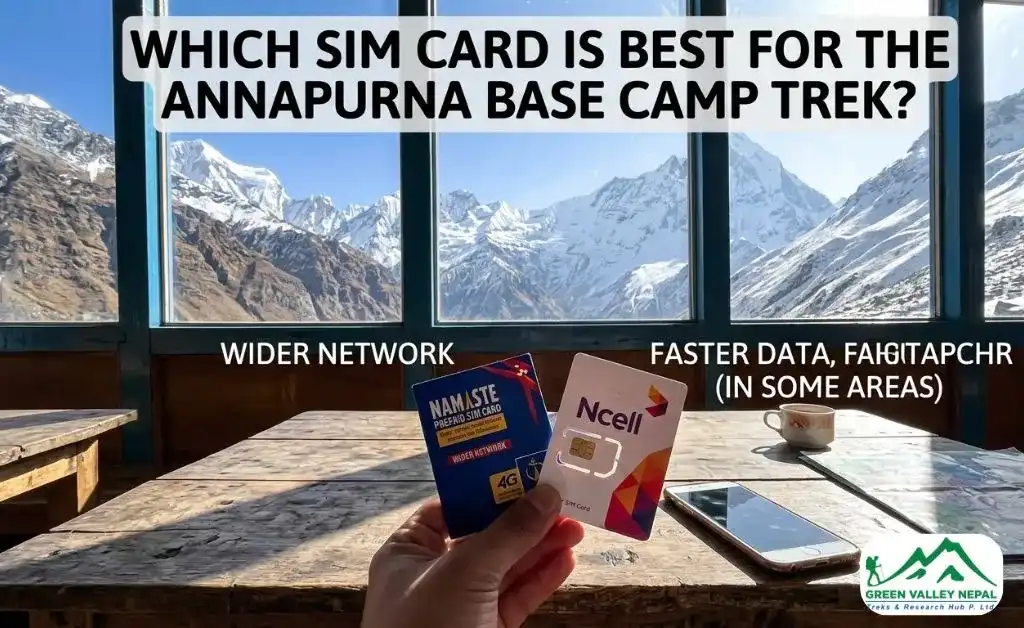
This is one of the most searched questions for anyone planning the ABC trek, and for good reason. Choosing the right SIM card can make a real difference in how connected you stay during the trek. There are two main telecom providers in Nepal: NTC (Nepal Telecom) and Ncell. Both are widely available, affordable, and suitable for trekkers. But they perform differently on the ABC route.
NTC (Nepal Telecom)
NTC is the state-owned provider and has the strongest network coverage on the Annapurna Base Camp route. It provides a good signal in most villages, including Sinuwa, Bamboo, and Deurali — stops where Ncell often drops out. NTC also tends to hold a signal better at higher altitudes. At Annapurna Base Camp itself, NTC is your best shot at getting any mobile signal at all.
If you are doing the ABC trek and can only carry one SIM, NTC is the recommended choice. You can buy an NTC prepaid tourist SIM at the Nepal Telecom counter inside Tribhuvan International Airport in Kathmandu, at NTC offices in Pokhara, or at most mobile shops in the city before you start trekking.
NTC data packages (approximate):
- 1GB data: around NPR 300–500 (valid 30 days)
- 5GB data: around NPR 500–700 (valid 30 days)
- Tourist SIM combo packs with calls and data are also available
Ncell
Ncell is a private provider owned by Axiata and generally offers faster data speeds in urban areas and lower-altitude regions. In Pokhara, Nayapul, Ghorepani, and Chhomrong, Ncell performs well. However, beyond Chhomrong and in the more remote upper sections of the trail, Ncell coverage becomes very inconsistent and often disappears entirely.
Ncell has a dedicated tourist SIM called the Visit Nepal SIM, which is a good option if you are spending time in the cities before or after your trek.
Should You Carry Both SIMs?
Many experienced trekkers carry both SIM cards: one NTC and one Ncell. The idea is simple: use Ncell in lower villages where it offers faster speeds, and switch to NTC as you head higher. Dual SIM smartphones make this easy. If your phone supports dual SIM, this is a practical approach that gives you the best of both providers.
What About International Roaming?
International roaming in Nepal is possible but expensive and unreliable on the trail. Local SIM cards are far more cost-effective and provide better coverage. Buy a local SIM before you start trekking.
What Can You Actually Do Online on the ABC Trek?
This depends on where you are on the trail, but here is a practical guide based on what works and what does not at different altitudes.
What can you do in most lower and mid-altitude stops (Nayapul to Chhomrong)?
- Send WhatsApp messages and voice notes
- Make WhatsApp or Viber voice calls (works reasonably well at stops like Ghorepani and Chhomrong)
- Check and send emails
- Browse the internet at basic speed
- Upload a few photos to Instagram or social media (teahouse WiFi or good Ncell/NTC signal needed)
- Check weather apps and forecasts
What becomes unreliable above Chhomrong (Sinuwa to ABC)?
- Video calls: too slow and often drop midway
- Uploading photos or videos of a large file size
- Streaming music or video (not recommended)
- Real-time navigation apps that require data
- Video conferencing or remote work tasks
If you are a remote worker thinking about keeping up with work during this trek, be honest with yourself: it is not reliable enough above Chhomrong for anything deadline-sensitive. The lower sections can work for light tasks, but plan to be mostly offline from Sinuwa upwards. Along with connectivity issues, there are further challenges on ABC Trek, to know about it, you can visit our blog: How Difficult Is the Annapurna Base Camp Trek?
How to Prepare for Limited Connectivity before You Start ABC Trek?
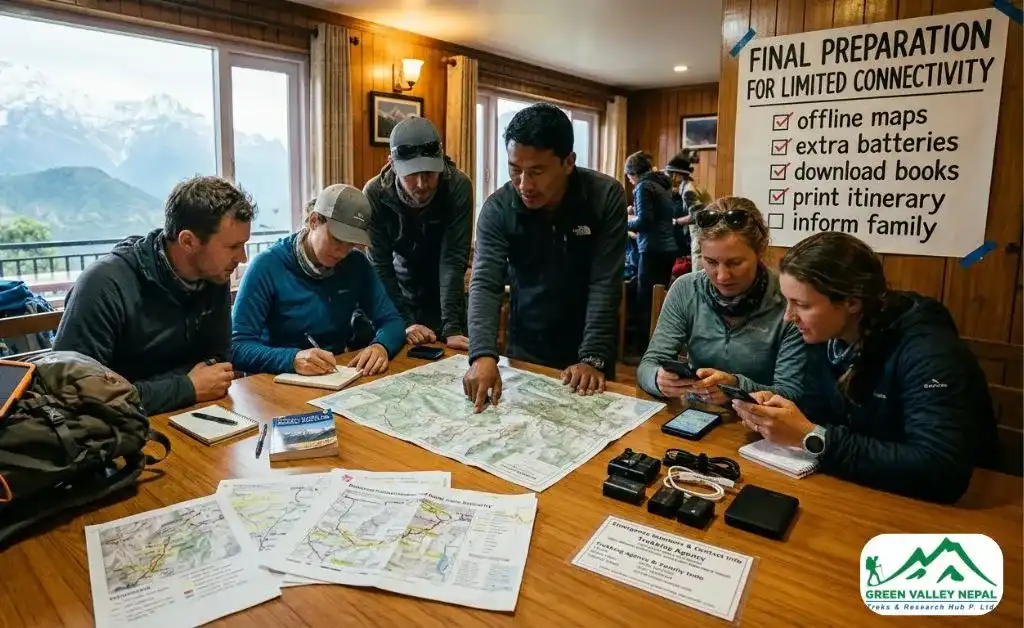
A bit of planning before the trek will make the connectivity situation much easier to handle. Here are practical steps to take before you leave Pokhara.
- Buy a local SIM card in Kathmandu or Pokhara. Do not wait until you are on the trail. Get a prepaid NTC or Ncell SIM from a shop or the airport counter. Carry your passport and a passport-sized photo; these are required for SIM registration.
- Download offline maps. Apps like Maps.me and OsmAnd allow you to download the entire Annapurna region for offline use. These maps work without any data connection and are incredibly useful on the trail. Download them before you leave.
- Tell your family when you might be out of contact. Be upfront with people at home that above Chhomrong, you may not be able to send regular updates. Set a rough check-in plan: for example, messaging from Ghorepani on the way up and from Chhomrong on the way down.
- Download what you need for entertainment. Spotify offline playlists, downloaded Netflix episodes, and podcast episodes: grab them before the trek. Evenings in teahouses are long and cosy, and having offline content is a great way to relax after a day of walking.
- Back up important documents offline. Save your trekking permits for ABC Trek, emergency contacts, insurance details, and itinerary as offline files on your phone or in a physical copy. Do not depend on cloud access while trekking.
- Carry a power bank. Teahouses do charge for electricity usage at higher altitudes (usually NPR 100–200 per charge). A fully charged power bank before each day's walk keeps you covered without needing to stop.
Alternative Ways to Stay Connected on the ABC Trek
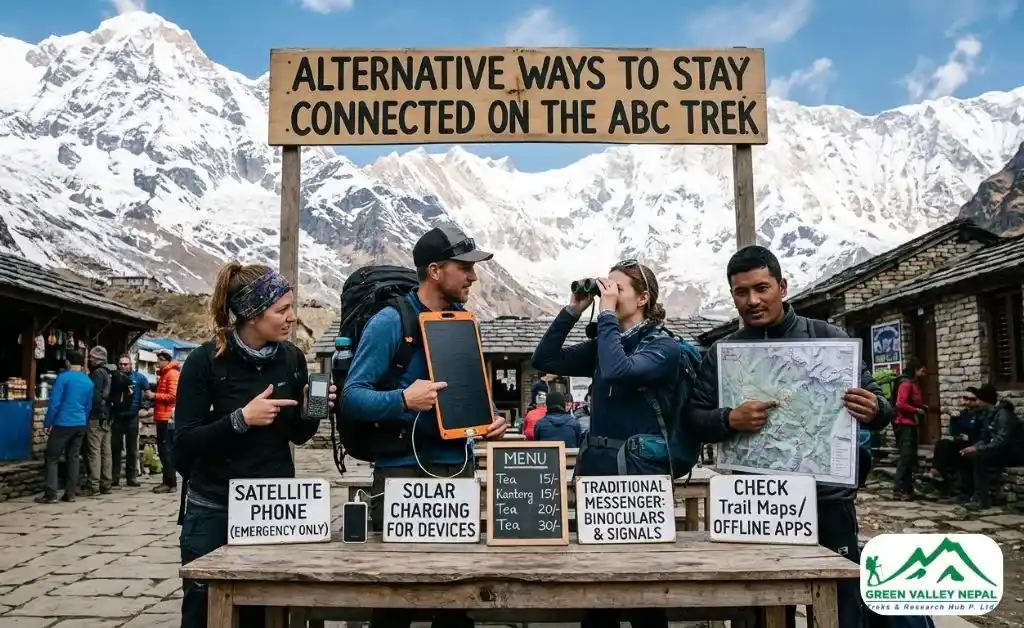
If regular mobile networks and teahouse Wi-Fi are not enough for your needs, there are other options worth knowing about.
- Satellite Internet Services: Some high-end lodges and trekking expedition groups use satellite internet. It provides a stable connection even in areas where mobile networks fail. This is more expensive and less commonly available to solo trekkers, but worth asking about at lodges if you genuinely need reliable connectivity.
- Garmin inReach and SPOT Trackers: For trekkers who need emergency communication rather than regular internet, GPS satellite communicators like the Garmin inReach are a popular choice. These devices allow you to send short messages and share your location via satellite, no mobile signal required. Many trekking agencies also carry these for safety during their guided tours.
- Satellite Phones: Some teahouses at higher altitudes have landline satellite phones available for emergency calls. These are charged per minute and are expensive, but they exist as a backup option for genuine emergencies.
Final Thoughts
Internet access during the Annapurna Base Camp trek is very much available, just not the kind you are used to at home. From the starting point in Nayapul to Chhomrong, you will have decent connectivity for staying in touch and handling light online tasks. Above that, you need to manage your expectations and prepare accordingly.
The key takeaways: get an NTC SIM card before you trek, download offline maps and entertainment, communicate your check-in plan to family, and do not book any important work calls for the upper sections of the trail.
Everything else, the views, the experience, the mountain air, more than makes up for whatever you missed on your phone. The ABC trek is one of Nepal's greatest adventures, and a few quiet days offline are part of what makes it so memorable.
Frequently Asked Questions
- Is the internet available on the Annapurna Base Camp Trek?
Yes, the internet is available throughout most of the Annapurna Base Camp trek. Lower areas have good connectivity, while higher altitudes, like base camp, have limited and slower access.
- Is there mobile network coverage at Annapurna Base Camp?
Mobile network coverage is limited at Annapurna Base Camp. NTC may provide a weak signal depending on the weather, while Ncell usually does not work at this altitude.
- Which is better for the ABC trek: NTC or Ncell?
NTC is better for the Annapurna Base Camp trek because it has wider coverage in remote and high-altitude areas. Ncell works well in lower regions but becomes unreliable above Chhomrong.
- How reliable is Wi-Fi on the Annapurna Base Camp trek?
Wi-Fi is available in most teahouses, but it is slow and unreliable, especially at higher elevations. It is suitable for messaging and basic browsing, but not for streaming or video calls.
- Can tourists stay connected during the Annapurna Base Camp trek?
Yes, tourists can stay connected using local SIM cards and teahouse Wi-Fi. However, connectivity is inconsistent, so it is best to plan for limited internet access in higher regions.